How to use AI-generated images responsibly
Use AI-generated images responsibly by reviewing visual details, separating imagined scenes from factual evidence, and adding clear disclosure.
AI-generated stock images can offer a useful starting point for a concept, a mood, or an imagined setting. Their usefulness depends partly on being clear about what they are. A convincing image is not evidence that a scene, person, product, or event exists.
Match AI images to claims they can support
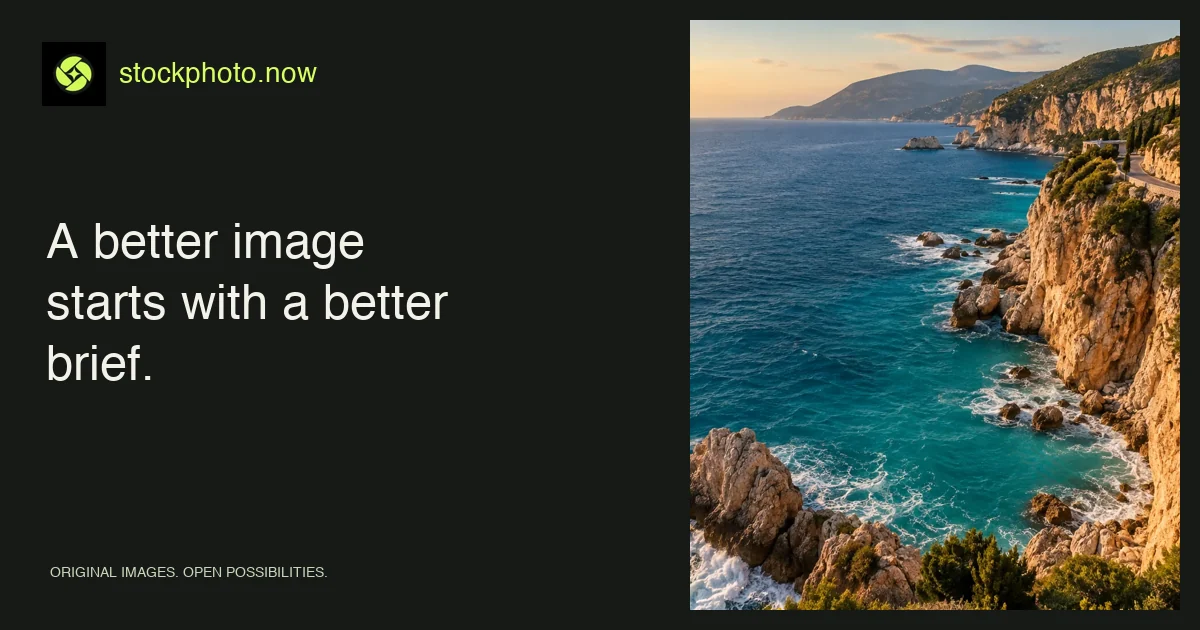
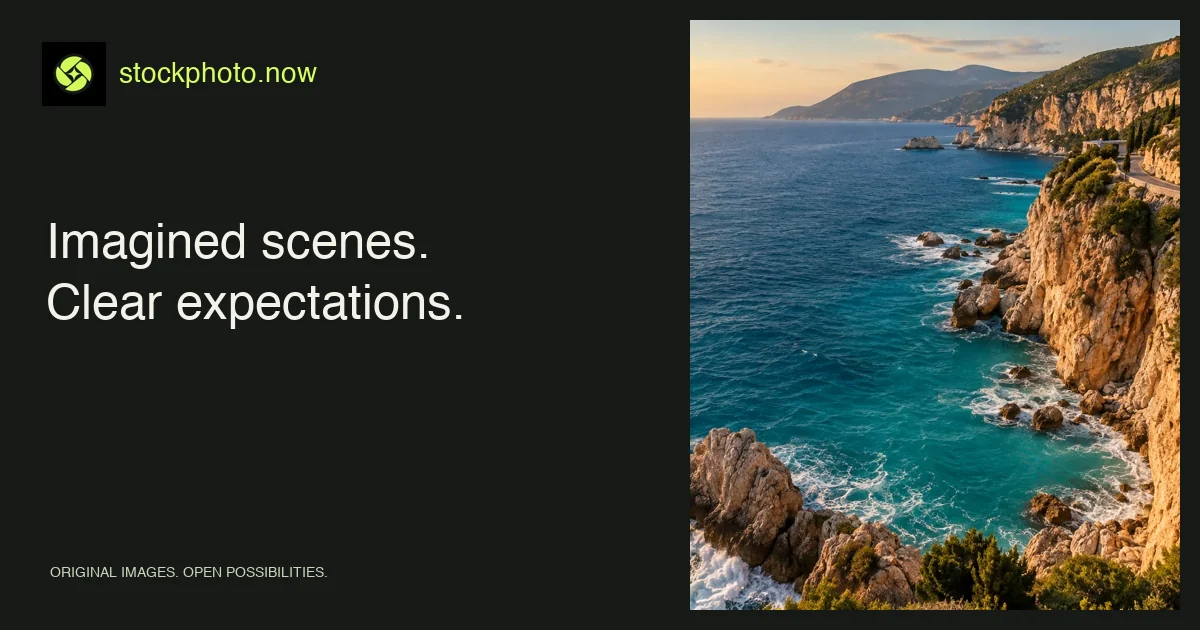
A generic coastal image can support a design moodboard about summer. It should not be presented as a photograph of a specific rental property or as documentation of conditions at a real destination. For those claims, use verified images of the actual subject.
Similar care applies to health, news, product demonstrations, and testimonials. Do not use an invented person to imply a real customer endorsement. Do not let a generated before-and-after pair masquerade as measured results.
Make AI image disclosure easy to find
Stockphoto.now labels its library images as AI-generated on the image page and explains that the scenes are imagined. When you reuse a visual, consider the surrounding story. If a viewer might reasonably mistake it for factual documentation, use a clear visible label or choose another kind of asset.
Disclosure should travel with the context that creates the possible misunderstanding. Hiding an explanation in metadata or a distant terms page may not help someone encountering the image in an advertisement or social post.
Inspect AI image details before publishing
Look at hands, faces, reflections, small objects, repeating textures, and architectural connections. Check whether shadows and perspective make sense. For food or products, examine whether the depicted object has coherent structure. Beautiful lighting can distract from details that become obvious when the image is used at a larger size.
Our own AI-generated images are automatically approved and added through scheduled library updates. The scheduled Wallpapers pipeline uses Vision descriptions of the completed image. Images manually uploaded by users require administrator review before publication. Review AI-generated details yourself before using an image.
Select AI images for usefulness and quality
Near-duplicates make discovery harder. Ten slightly different crops of an otherwise identical scene should not automatically become ten separate indexable pages. A new image should contribute a distinct subject, composition, use case, or visual direction.
Google’s spam policies address scaled content created primarily to manipulate rankings rather than help users. Our publishing approach prioritizes useful assets and clear context. A schedule does not replace that judgment.
Check image rights and final presentation together
A provider’s license is one part of the decision. Other rights or restrictions can still matter, and generated content should not be assumed to come with real-world model or property releases. Our licensing checklist describes the questions to record.
Before publication, ask: does the image support the actual message, is its nature clear, are its details suitable, and does the use fit the terms? See our editorial policy for the library’s review standards and the selection guide for a practical project workflow.
Apply this guide with image tools and collections
Create a draft with the AI image generator, then compare its details with the standards in our editorial policy.
Find your image