
Choose the right image
Start with relevance, then compare composition, copy space, and the details visible at the final size.
These stock image guides explain how to select, license, compose, describe, deliver, and responsibly use visuals in real projects.
Use these guides while browsing the stock image categories, preparing a file with the AI image tools, or checking the complete Stockphoto.now image license.
A reliable workflow has three stages: choose an image that matches the message, prepare the file for its actual placement, and publish it with the right license and accessibility details.
Start with relevance, then compare composition, copy space, and the details visible at the final size.
Match the dimensions and format to the real placement so the image stays clear without carrying unnecessary file weight.
Write useful alt text, keep the license record, and label an imagined AI scene when readers could mistake it for documentary evidence.

Learn how to choose stock images that support your message, fit the available layout, match your visual style, and meet practical usage needs.

Use focal points, copy space, and intentional crops to choose image compositions that remain clear across desktop and mobile layouts.
Review stock image license basics and the questions to ask before using a visual in a website, campaign, presentation, or product.

Learn how to write useful image alt text based on context, with practical examples for informative photos, linked images, and decoration.
Follow a practical WebP image workflow that preserves originals, serves useful dimensions, reduces file size, and keeps page layouts stable.

Use AI-generated images responsibly by reviewing visual details, separating imagined scenes from factual evidence, and adding clear disclosure.
Compare PNG, JPG, and WebP for transparency, file size, image quality, browser use, and Stockphoto.now downloads.
Common image aspect ratios (1:1, 4:5, 3:2, 16:9, 9:16 and more) with pixel sizes, a free ratio calculator, and how resolution, cropping, and upscaling fit in.

Compare resizing, cropping, AI recomposition, zooming out, and upscaling to choose the right image tool for your layout.
Plan commercial use of AI-generated stock images with checks for licenses, third-party rights, releases, misleading claims, and records.

Prepare contributor images for Stockphoto.now review with file, metadata, rights, AI disclosure, ranking, storage, commission, and payout guidance.

Choose stock images that fit your brand, leave room for text, print clearly, and meet licensing requirements for AI and traditional photography.
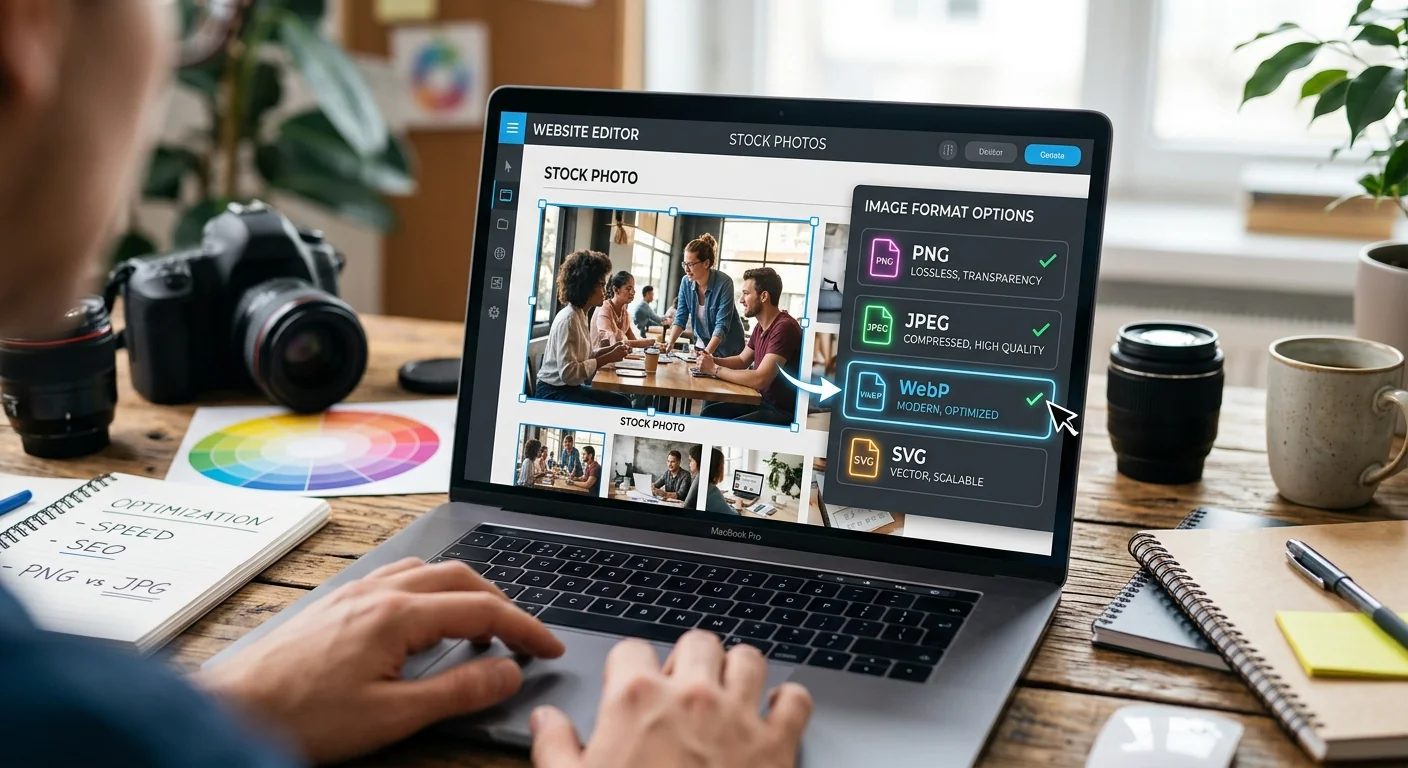
Choose JPEG, PNG, WebP, or AVIF for website stock photos. Get practical tips for sharper banners, transparent products, and faster blog pages.