WebP image workflow and optimization
Follow a practical WebP image workflow that preserves originals, serves useful dimensions, reduces file size, and keeps page layouts stable.
An efficient image workflow separates the source asset from the versions a page needs. A gallery thumbnail, an article cover, and a downloadable original serve different jobs. Sending the largest file to all three is simple to implement but can make browsing unnecessarily expensive.
Keep the source image and export for each placement
Preserve a source file before resizing or cropping. Export a version matched to the intended display size and allow for high-density screens where useful. Avoid enlarging a small image and calling the result a higher-resolution original; larger pixel dimensions do not restore missing detail.
Our library provides WebP downloads and smaller WebP previews for browsing. The image page lists the actual pixel dimensions and file size so you can judge whether the asset fits your project. A portrait intended for a small editorial card may not suit a large printed poster.
Compare WebP compression with image quality
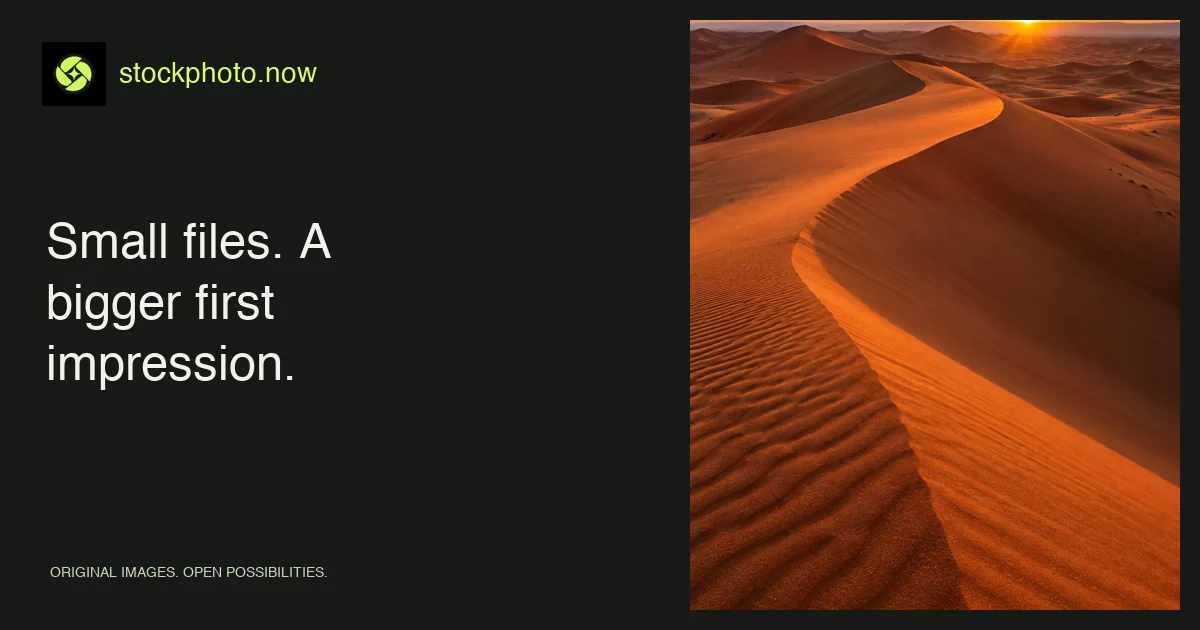
A quality setting is a starting point, not a universal score. Fine foliage, sand ripples, smooth skies, and text-like edges respond differently to compression. Compare the exported image with its source at the size people will see. Look for smearing, ringing around sharp edges, and obvious bands in gradients.
Start with a moderate-to-high WebP quality setting, then lower it until the file is comfortably sized without visible damage in its intended use. A small thumbnail can often tolerate more compression than an image shown prominently on its own page.
Reserve image dimensions for a stable layout
Supply width and height information, or an appropriate aspect ratio, so the browser can reserve space before the image arrives. Unexpected movement makes a page harder to read and can move controls just as someone tries to activate them.
Use lazy loading for images well below the initial viewport. A prominent hero image should normally load promptly. If the visual is essential to the first screen, do not make it wait behind an interaction or a long client-side rendering chain.
Use descriptive image filenames
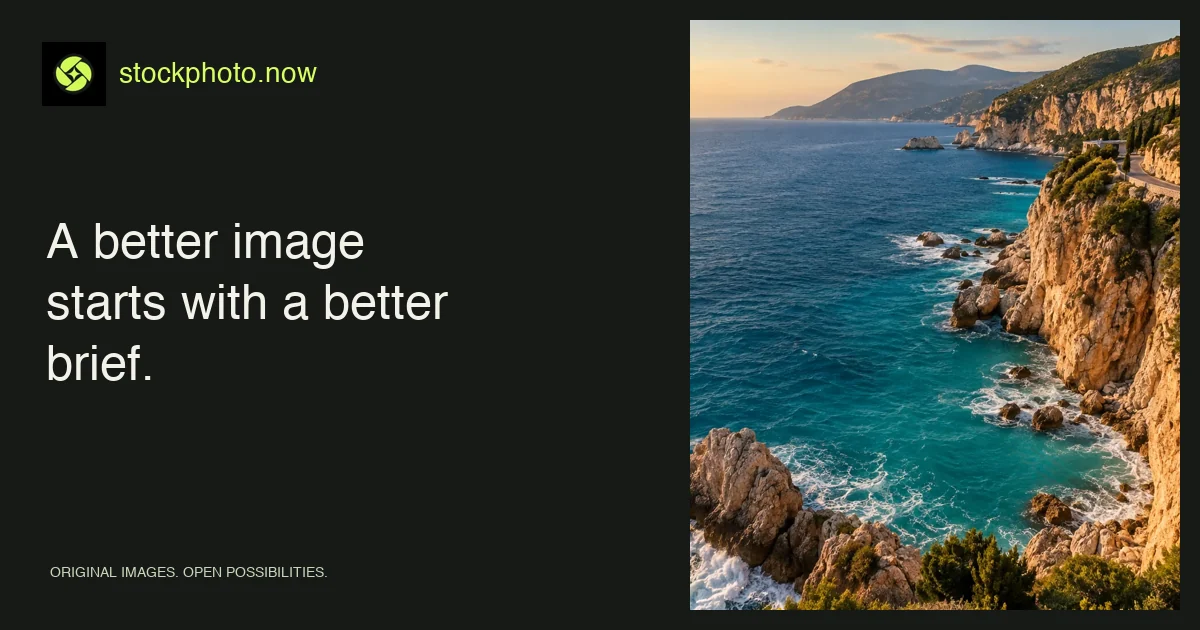
Readable names help your team maintain the library: “turquoise-coastline.webp” for the original and a clearly distinguished preview filename for the smaller version. Avoid replacing an existing image with an unrelated visual at the same URL; cached copies and external references can become confusing.
Keep a consistent relationship between the image’s page, download, preview, and metadata.
Check the exported WebP file before handoff
- The file opens successfully and has the expected dimensions.
- The crop matches the intended desktop and mobile placement.
- Compression does not damage important details.
- The filename and alternative text describe the actual asset.
- The license record stays with the project.
For text overlays and responsive crops, read the composition guide. For contextual descriptions, continue with writing useful alt text. Compare delivery choices in the PNG, JPG, and WebP guide.
Apply this guide with image tools and collections
Prepare a transparent asset with the image background remover, or inspect larger-output choices in the AI image upscaler.
Find your image